
Unit 7 / Lesson 7B
Level | ESLCO |
Program | ESL Foundations |
Time | Online Lecture: 2 hours Self-study: 5 hours |
Textbook / Digital Pack | Textbook: Pages 47-49 |
7B.1 Dialogue / Role Play
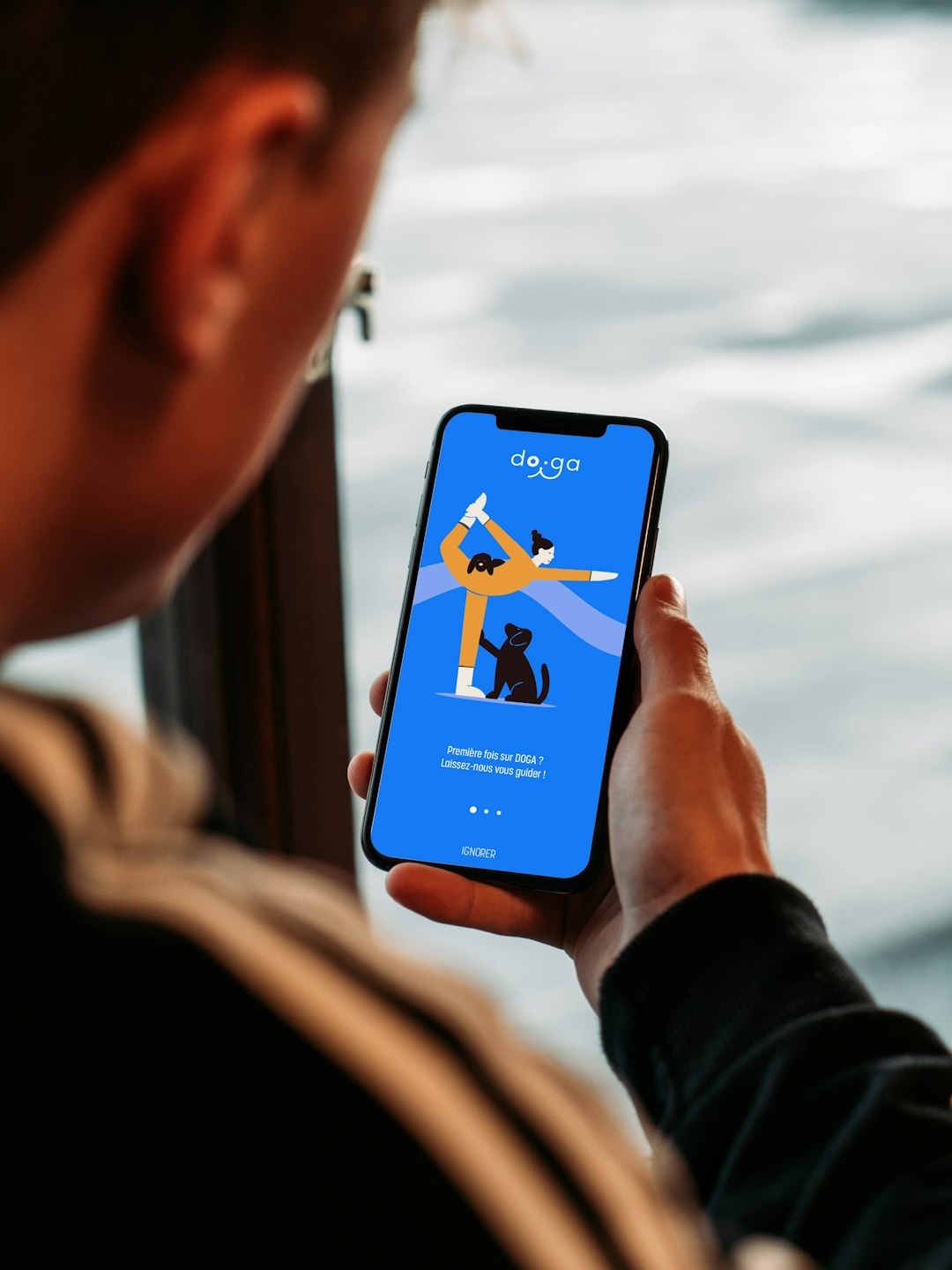
Chris: Hey Jason, I just got this new workout app. How do I use it?
Jason: It’s easy. First, create an account. Be sure to enter your personal details.
Chris: Okay. What next?
Jason: Make sure to set a weekly goal. That helps you stay on track.
Chris: Got it. How do I track workouts?
Jason: Just press “Start Workout.” Remember to stop it when you finish.
Chris: Any other tips?
Jason: Don’t forget to check your progress each week, and try not to skip too many days.
Chris: Thanks, Jason!
Jason: No problem!
7B.2 Vocabulary
Read each word, say it out loud, check the meaning, and practice it every day.

portable speaker

GPS System
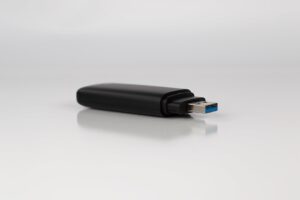
flash drive

ATM card
7B.3 Grammar
Look at each grammar point, read the examples, and try to make your own simple sentences.
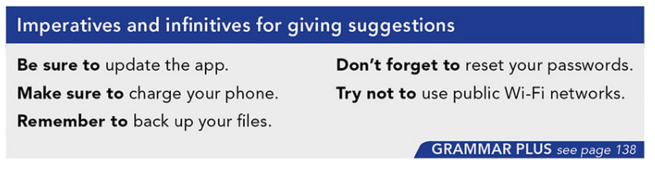

Common Errors
1. Using the wrong verb form after “to”
Learners often forget to use the base form of the verb.
 Be sure to checking your progress.
 Be sure to check your progress.
2. Adding “to” after modal-like expressions incorrectly
Students sometimes mix structures and add extra words.
-
You should to set a goal.
-
You should set a goal.
(Note: This contrasts with “Be sure to set…” where “to” is required.)
3. Incorrect negative forms with “try not to”
Learners may place “not” in the wrong position.
-
Try to not skip workouts.
-
Try not to skip workouts.
4. Confusing imperatives with subject pronouns
Students sometimes add unnecessary subjects.
-
You remember to stop the app.
-
Remember to stop the app.
5. Overusing or misusing “don’t forget” vs. “remember”
Learners may not understand the nuance or use double negatives.
-
Don’t forget to not skip your workout.
-
Don’t forget to do your workout.
-
Remember not to skip your workout.
7B.4 Practice Exercises
Exercise 1: Fill in the Blanks - Used to
Exercise 2: Multiple Choice - Used to / Use to
7B.5 Student Book
Complete pages 47-49 of your textbook for your homework [before class].
7B.6 Digital Pack / Workbook
Complete Unit 7 Digital Pack [after class].
7B.7 Writing Prompt
Writing Prompt: How to Use Technology Effectively
Imagine your friend just bought a new piece of technology (e.g., a smartphone, fitness app, laptop, or tablet) but doesn’t know how to use it.
Write a short paragraph (6–8 sentences) giving your friend advice and instructions.
 In your writing, be sure to include:
- At least 3 instructional phrases (e.g., Be sure to…, Make sure to…, Remember to…)
- At least 1 negative instruction (e.g., Don’t forget to…, Try not to…)
- Clear and simple steps or suggestions
After you complete your Writing Task 7, upload it below for your instructor. You can submit either a file or an image.
7B.10 Exit Card
When you have finished this lesson, don't forget to Mark lesson complete, below: