Thank you for registering for the Connect-2 Course

This course takes 8 weeks to complete.  

Week 1 is now available!

Each week, you will be provided with new content.

Tyler Profile Picture

How do I enter the Connect-2 course?  

To gain access to this course follow the 5 steps listed below.  

Step 1

Check your email inbox and open the email titled "Your account has been created" and you will be directed to "set your password". 

Note: If you don't see this message, check your spam/junk folder. 

Step 2

Go to https://elevationenglish.com/ and then Login using your Email Address and your Password. 

Step 2

Select Dashboard from the School drop-down menu.

Step 3

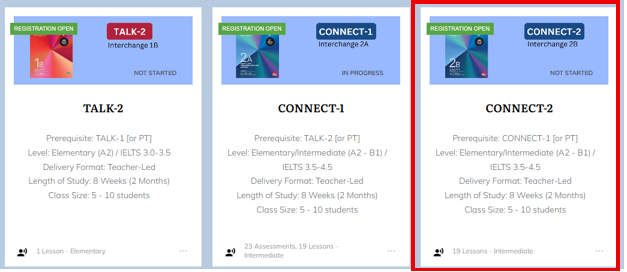
Once in the course dashboard, find the Connect-2 course, and click on the label to enter.

Connect-2 Course in Dashboard


If you are unable to locate the Connect-2 course within the Course Dashboard, you can:

  1. 'Search' for the course entering Connect-2 into the Search Input Box at the top of the page.  
Connect-2 Search Bar


  1. Click on the Load More button at the bottom of the page to view additional courses.
Connect-1 Load More


Step 4

Once you click into the Connect-2 course you will be able to begin the course. 


Connect-2 Course Label

If you experience any problems entering the Connect-2 course, you can send an email to:

 tyler@elevationenglish.com 

>